
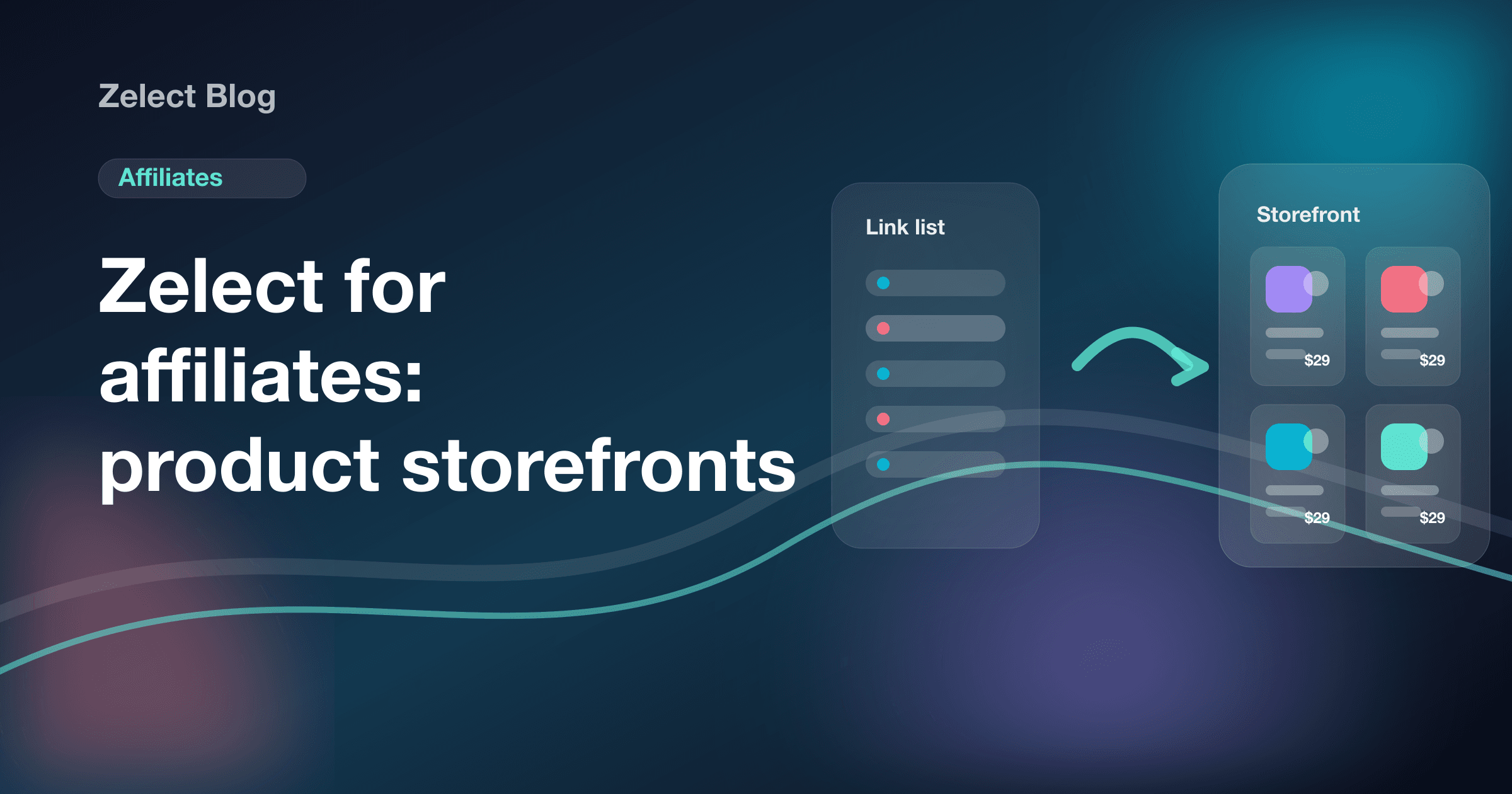
If you're an affiliate or content creator, you've probably used a simple link-in-bio page — or at least considered it. It's the most common solution to the single-link bio problem: drop multiple links there and you're done.
But for anyone working with affiliate links and trying to sell products, simple link pages have a fundamental limitation: they organize links, not products. And there's an enormous difference between the two.
What link pages do well
A link page solves a simple problem: gather multiple links into a single page accessible from your bio. For creators who need to centralize social profiles, a contact form, and their latest video, it works fine.
It's easy to set up, has a functional free tier, and is recognized by most audiences. That has real value.
Where link pages fall short for affiliates
The problems start when you try to use a simple link page to actually sell affiliate products.
No product images. A list of links with text and icons provides no visual context for the purchase. The visitor doesn't know what they're clicking until they arrive at the store. Without an image, without a visible price, click-through rates drop significantly.
No category organization. If you're recommending setup gear, gadgets, kitchen tools, and fashion in the same place, visitors get lost. A flat link page can't let people navigate by theme — you end up dumping everything into one endless vertical list.
No visible price. Showing the price before the click is one of the most effective practices for increasing conversion. A visitor who clicks knowing a product costs $29 already has purchase intent formed. Without a price, you're generating unqualified traffic.
No product context. A proper store organizes products with a photo, title, price, and button. A link list doesn't have that structure. The difference in user experience is substantial.
How successful creators are solving this
The natural evolution for creators who monetize with affiliates has been to move away from link pages toward product storefronts: pages with a store-like layout, products organized by category, images and prices visible before the click.
Tools like Beacons and Stan Store moved toward direct monetization with digital products and built-in checkout. They're great for creators selling courses, ebooks, or coaching. But for people working with external affiliate links — Amazon, Shopee, AliExpress, marketplace products — they're not the right fit. Their logic is built around selling your own products, not curating external links.
The difference between a link list and a storefront
Imagine two creators with the same audience recommending the same products:
Creator A uses a link page: a list of 12 plain-text links with no images or prices. The visitor opens it, sees product names without context, and maybe clicks one or two.
Creator B uses a product storefront: an organized page with collections ("Gaming Setup," "Deals This Week," "Home Office Essentials"). Each product has a photo, price, and button. The visitor browses, finds what they need, and clicks knowing exactly what they'll find.
The conversion difference between these two scenarios can be 3x to 5x. Not because Creator B has more products or more followers — but because the shopping experience is fundamentally better.
What an affiliate storefront actually needs
For a product storefront to work for affiliates, it needs a few key elements:
Product cards with image and price. The image communicates the product before the click. The price filters purchase intent. Together, they significantly increase the quality of traffic that reaches your partner store.
Collections and categories. Separating products into "Setup," "Gadgets," "Gift Ideas Under $30" helps visitors navigate based on what they're actually looking for — instead of scrolling through an endless list.
One shareable link. A storefront only works if it's easy to share. Ideally a short link that goes in the bio, WhatsApp, YouTube, and wherever else you publish.
Customized look. A storefront that feels like part of your brand builds more credibility than a generic template page. Colors, typography, and visual identity affect how visitors perceive you.
Platforms for building your affiliate storefront
Zelect
Zelect was built specifically for affiliates, creators, and product curators who work with external links. You create a storefront with collections, add products with image, price, and affiliate link, then share one link everywhere.
The free plan covers up to 25 products and 3 categories — enough to start. Paid plans unlock more storefronts, more products, and advanced customization, without taking a commission on your sales.
Beacons
Beacons has storefront features for digital products and some affiliate link tools, but the platform's focus is on creators who sell their own products. For people working exclusively with external links, the features are more limited.
Stan Store
Stan Store is excellent for selling digital products and memberships — it was built for checkout, not for curating external links. If you sell courses or coaching, it's a strong option. For marketplace affiliates, it's not the right tool.
Traditional link pages
Traditional link tools can offer commerce features, but they still operate on link-list logic — not on storefront logic with product cards, visible images, and prices.
The right question to ask
The question isn't which tool is "best" — it's which one solves your specific problem.
If you're an affiliate recommending products from Amazon, Shopee, AliExpress, or any marketplace and you want people to click and buy, you need a shopping experience — not a list of links.
An organized product storefront with a professional look and one link to share everywhere is what separates a creator who converts from a creator who just posts links.