
Getting followers is one thing. Getting them to actually buy what you recommend is a different challenge entirely. Most creators treat these as the same step — then wonder why their affiliate clicks are low.
There's a gap between your content and your follower's purchase decision. Creators who actively bridge that gap convert more. Those who ignore it leave money behind.
Here's a breakdown of the UX and trust levers that matter most in an affiliate storefront — and how to apply each one.
Why your storefront matters more than a direct link
When you send someone to a direct product link, they land on a generic marketplace page. No context, no your voice, no explanation of why you chose this particular item.
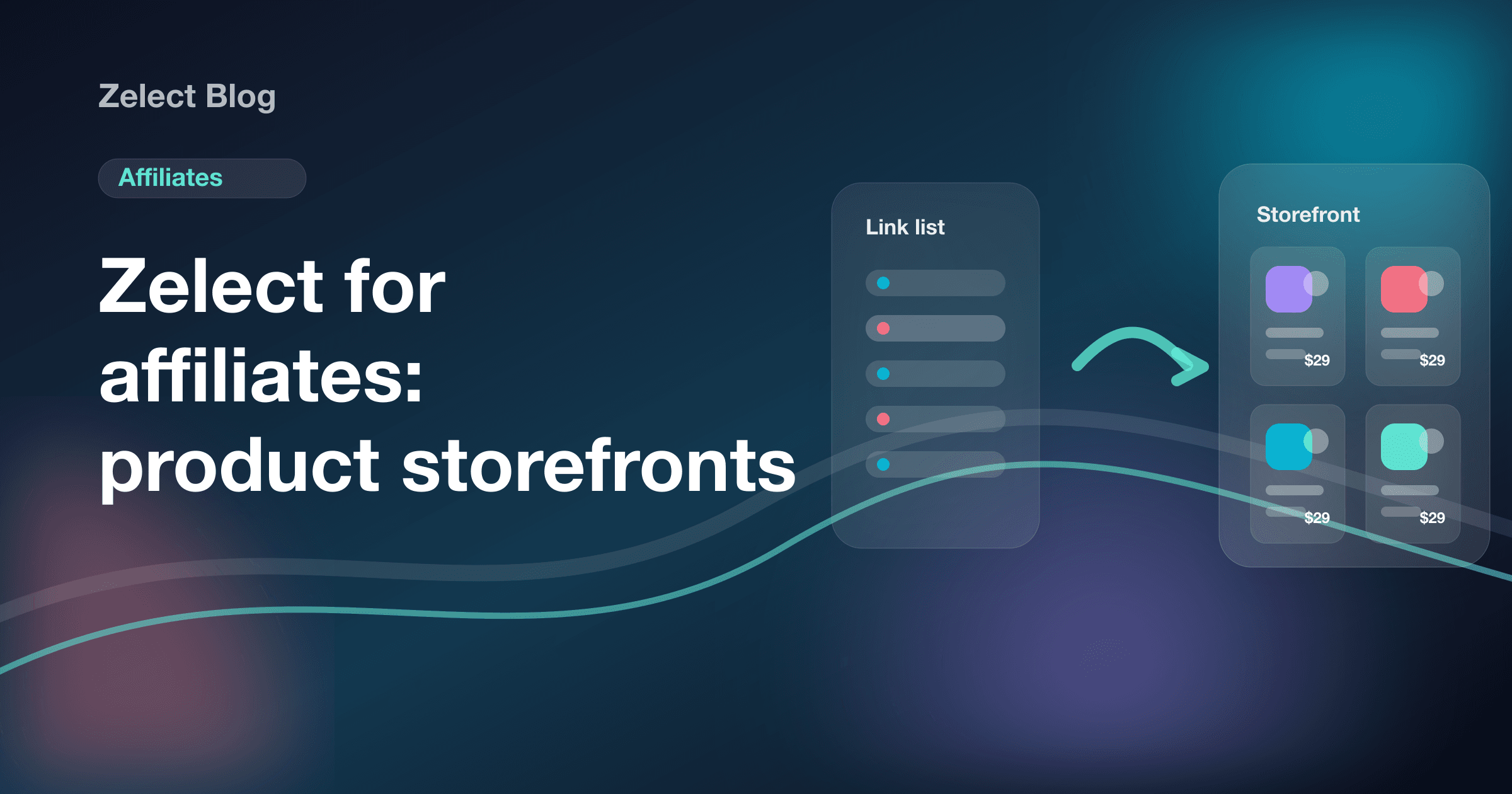
When you send them to your storefront, the experience is completely different. They see a curated selection that feels like you — products you actually use and recommend, organized in a way that makes sense to them. That creates context. And context is what builds trust.
Trust is the engine of conversion.
Trust signals that actually work
Show your face and name prominently
It sounds obvious, but a surprising number of storefronts skip this: put your photo and name at the top. When a follower arrives, they need to instantly recognize it's your store. If they don't, they leave.
Use the same profile photo you use on Instagram, TikTok, or YouTube. Visual consistency is a quiet trust signal — it confirms they're in the right place.
Write your own product descriptions
Every product in your storefront should have a description in your voice. Don't copy the marketplace listing. Write like you'd talk to a friend: "I've used this SPF every morning for six months — it layers perfectly under makeup", "this keyboard changed how I feel about working from home".
That's the difference between a generic link page and an actual curated recommendation. It's also exactly what convinces someone to click.
Organize by context, not category
Avoid structures like "Electronics", "Home", "Beauty". That reads like a department store catalog. Instead, organize by moment or need: "My current skincare routine", "WFH setup I actually use", "Gifts under $50".
When a visitor immediately understands why these products belong together, each click becomes more intentional — and conversion rates go up.
UX choices that convert
Fewer products, better results
Choice overload is real. When someone has too many options, they pick none. Start with a tight selection — 6 to 12 products on your main page — and use additional pages for deeper browsing.
With Zelect, you can build multiple pages inside a single storefront. Use this structure: a main page with your current favorites, and dedicated pages for specific themes or collections. This lets people go as deep as they want without feeling overwhelmed upfront.
Position matters
The first products visible on your storefront get the most clicks — full stop. Put your highest-priority items there: highest-ticket, best-converting, or what you're currently featuring in your content.
Revisit that order regularly. What made sense in January may not be your best lead in July.
Visuals beyond the product photo
Marketplace images are usually white-background product shots. You can do better: add photos of yourself using the product, or screenshots from stories or videos where you featured it. That visual context increases desire.
If your platform supports custom images per product, always use them. The perceived value difference is significant.
Mapping the follower's journey
Think through it step by step: your follower saw a reel or story where you mentioned a product. They tapped your bio link. They landed on your storefront. Now what?
If the storefront is cluttered, missing descriptions, and stocked with random items, they leave.
If the storefront is organized, carries your voice, and makes the product easy to find, they click.
The conversion work starts in your content and continues inside the storefront. Both stages need to be aligned.
A quick audit of your storefront
Run through this checklist right now:
Identity: Is your photo and name visible? Does the storefront match the visual energy of your profile?
Descriptions: Do products have descriptions in your voice, not copy-pasted from the marketplace?
Organization: Are products grouped in a way that makes sense to a visitor?
Hierarchy: Are your most important products at the top?
Volume: Does the storefront have too many items, making it hard to choose?
If you answered "no" or "not sure" to any of these, that's your next action item.
The bottom line
Converting followers into buyers isn't magic — it's structure. A well-built storefront with clear identity, honest descriptions, and context-based organization works for you even when you're not actively posting.
That's what Zelect is built for: a storefront that looks like you, gets indexed by Google, and actually converts. If you haven't set yours up yet, head to app.zelect.io — you can have it running in minutes.